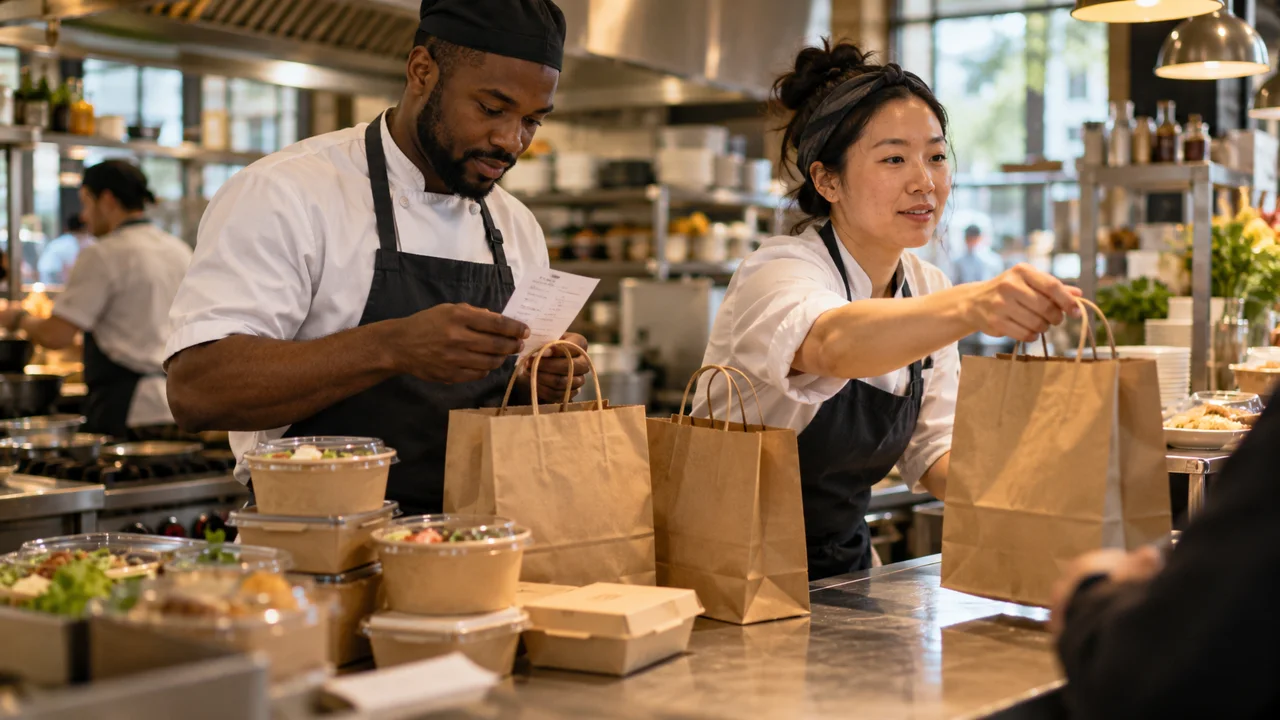
The screen says the order was received. The customer thinks lunch is on its way. The kitchen is already ten tickets behind.
Handling the lunch rush starts before the first peak-time order arrives. You need a clear view of capacity, an honest preparation promise and a handover process your team can follow under pressure.
Speed matters, but a promise must be workable
The US National Restaurant Association's 2025 off-premises research reported that 94% of consumers considered speed critical. This is a US consumer finding, not a universal preparation-time standard or an Australian survey.
Use it as a prompt to investigate waiting, rather than to promise a faster service than your kitchen can deliver.
Find the station that limits the whole order
Look at where an order spends time: acceptance, preparation, assembly and handover. A faster ordering page cannot make a congested grill cook more meals.
A simple hypothetical capacity example makes the issue visible. If 18 comparable orders arrive every ten minutes but the limiting station can complete only 12, the backlog grows by six orders each interval. With no starting queue and those rates unchanged, it reaches 18 orders after 30 minutes.
That is arithmetic, not a forecast for your venue. Real orders vary in size and preparation time. Observe your own mix rather than treating one coffee and a six-person lunch order as equivalent units.
Test what happens when capacity runs out
Decide how you will respond when the kitchen is behind. Depending on the tools available, that might mean extending quoted times, temporarily reducing available items or pausing new orders.
Do not assume your software can do all of those things. Test the current controls and write a fallback procedure for the options it does not support.
Keep dine-in, counter and online demand in the same capacity discussion. Otherwise one channel can continue accepting work while another team member is trying to slow it down.
Separate “received”, “accepted” and “ready”
These states have different meanings for a customer. Make sure the messages reflect what has actually happened and that your staff know who is responsible for moving the order forward.
A payment confirmation is not necessarily a kitchen acceptance. A meal being ready is not the same as the customer having collected it.
Record at least the time an order is accepted, ready and handed over. That lets you distinguish preparation delays from a collection area problem. Review the slower orders as well as the average, especially during the busiest period.
Give collection its own simple routine
Choose a visible collection point, a reliable order identifier and a final check for missing items. Keep sensitive customer information away from public screens or labels where it is not needed.
Test what happens when two guests share a first name, someone arrives early or a courier collects for a customer. Decide how staff verify the correct order without blocking the entire counter.
The aim is not to remove all human interaction. It is to make it clear who can help and what information they need.
Practise failure away from live customers
Use an authorised test environment or an agreed operational drill to check a missed alert, a disconnected device, a duplicated submission and a cancelled order. Do not generate live charges or misleading kitchen tickets merely to see what happens.
After reconnection, confirm that outstanding orders are reconciled and not lost or prepared twice. Keep a clear escalation route for payment or status uncertainty instead of asking staff to guess.
Try this next: follow a test order from submission to handover and note who owns every transition. Then review a real peak period, identify the main queue and fix that bottleneck before promoting more lunch orders.
A short pre-service handover
Assign one person to accepted orders, one point for collection and one escalation route for uncertain payment or status. Confirm how sold-out items and longer waits will be communicated. A simple written handover is more useful than an untested promise of instant fulfilment.
Choose ordering tools around the service you run
Review BizAppMaker’s ordering features, then discuss your lunch-rush workflow. Confirm device, alert, payment and any POS or printer requirements against the current setup before choosing it.
Explore the app for cafes and restaurants, or try the live app demo.