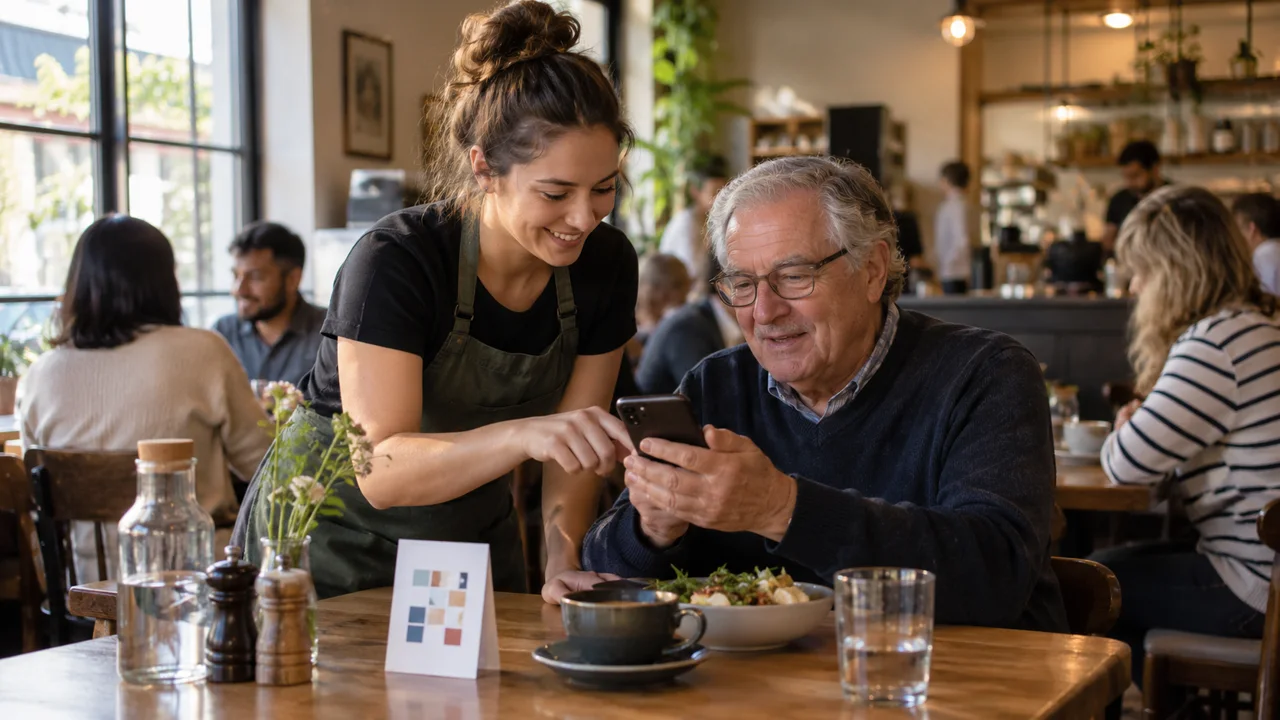
A customer sits down, scans the table code and is asked to create an account. Their password fails. Someone else at the table starts ordering, only to discover that the table number is wrong.
In that imagined scene, the restaurant has not removed work. It has moved the work to the customer.
Good QR ordering should shorten the route to a meal without making hospitality disappear. The right test is not whether your regular staff can operate it. It is whether a first-time guest can use it, understand it and get help when they need it.
Not every diner wants the same experience
In the US National Restaurant Association's 2024 technology survey, 52% of consumers were comfortable ordering through a QR code in limited-service restaurants, compared with 48% in table-service venues. Those are stated preferences from that survey, not present-day conversion rates for your customers.
The lesson is not to remove QR codes. It is to avoid treating one ordering method as a universal preference.
A counter-service lunch and a long anniversary dinner are different situations. Decide what the technology should do in each, rather than copying the same sequence everywhere.
Try the first-visit test
Use a phone that is not already logged into your ordering site. Ask someone unfamiliar with the system to start from the table sign. Observe without explaining the interface.
Give them a concrete task: order one main, make a permitted change, check the total and identify how they will receive the food. Use a test environment or stop before a real charge; do not create fake production orders during a busy service.
Write down where they hesitate. Avoid asking only, “Was that easy?” Ask them to show you what happens next.
| Moment | What the customer should understand |
|---|---|
| After scanning | Which restaurant and location they are ordering from |
| Before adding food | Whether this is dine-in, collection or another service |
| Before payment | The complete order, relevant charges and destination |
| After payment | Whether the order was accepted and how to get help |
An attractive screen does not compensate for uncertainty at these points.
Remove an unnecessary step before adding a feature
When a customer gets stuck, identify the exact step. Perhaps the menu is hidden behind an app download. Perhaps the payment screen requires information that the transaction does not need. Perhaps account recovery is harder than ordering at the counter.
Where your system supports guest ordering, compare that route with mandatory sign-in. Where an account is genuinely required, explain why early rather than revealing it after the customer builds a basket. Do not promise a guest checkout your current software cannot offer.
Separate essential transaction details from optional marketing signup. A customer should understand which action places the order and which action asks for future messages.
Make optional modifiers clear as well. “Choose a milk” is not the same instruction as “Add another drink”. Test the words with someone who has never seen the screen.
Keep the person, even when you remove the queue
Give staff a simple invitation to use when a guest needs help:
“You can order through the code, or I can help you order here. Which would you prefer?”
That is suggested wording, not a claim about what every venue must offer. Choose a workable alternative for your service: a printed menu, assisted ordering or a staff member taking the order.
Also consider shared tables, flat batteries, weak reception and guests who cannot comfortably use the interface. If the fallback is “ask the one employee who understands it”, the fallback needs work.
Your table sign should identify the destination clearly. Inspect codes for damage or unexpected replacement and verify where they lead before service. Treat a QR code as a link customers trust, not a piece of decoration.
Measure friction, not just digital adoption
A rising share of QR orders might simply mean you removed the alternative. Record completed orders, requests for help, abandoned attempts where measurable, wrong-table incidents and time spent resolving confusion.
As an illustrative calculation, if staff assist with 18 out of 120 QR ordering attempts, that is a 15% assistance rate. It is not automatically bad: a complicated menu and welcoming service may legitimately require conversation. The useful question is why assistance was needed.
If most interventions involve password resets, fix that journey. If they involve ingredient questions, improve access to verified information and trained staff. The same percentage can point to very different work.
Make one visit feel easier
Before your next menu promotion, run the first-visit test and remove one recurring obstacle. Keep watching real service afterwards. The best digital ordering experience is one customers can use without feeling that they have become unpaid system operators.
A five-minute pre-service check
- Scan the actual table code with a phone that is not signed in.
- Find an item, its options and the full price.
- Confirm how the table or collection location is identified.
- Follow a controlled test order through confirmation and staff receipt.
- Practise the fallback when a phone, connection or payment step fails.
Coordinate payment and kitchen handling before the test so it is not mistaken for a guest order.
Let guests order under your own brand
BizAppMaker’s table QR ordering opens in the guest’s phone browser, so a dine-in guest can order from your menu without downloading an app or creating an account. You choose whether guests pay by card online, at the counter or both, and new orders appear in your management console. Explore BizAppMaker’s table QR and takeaway ordering features, then walk through the first order on a guest’s phone and follow it through the staff handover. Keep a practical way to ask staff for help. A branded app can support repeat visits, but nobody should need it to place a first order.
Explore the app for cafes and restaurants, or try the live app demo.