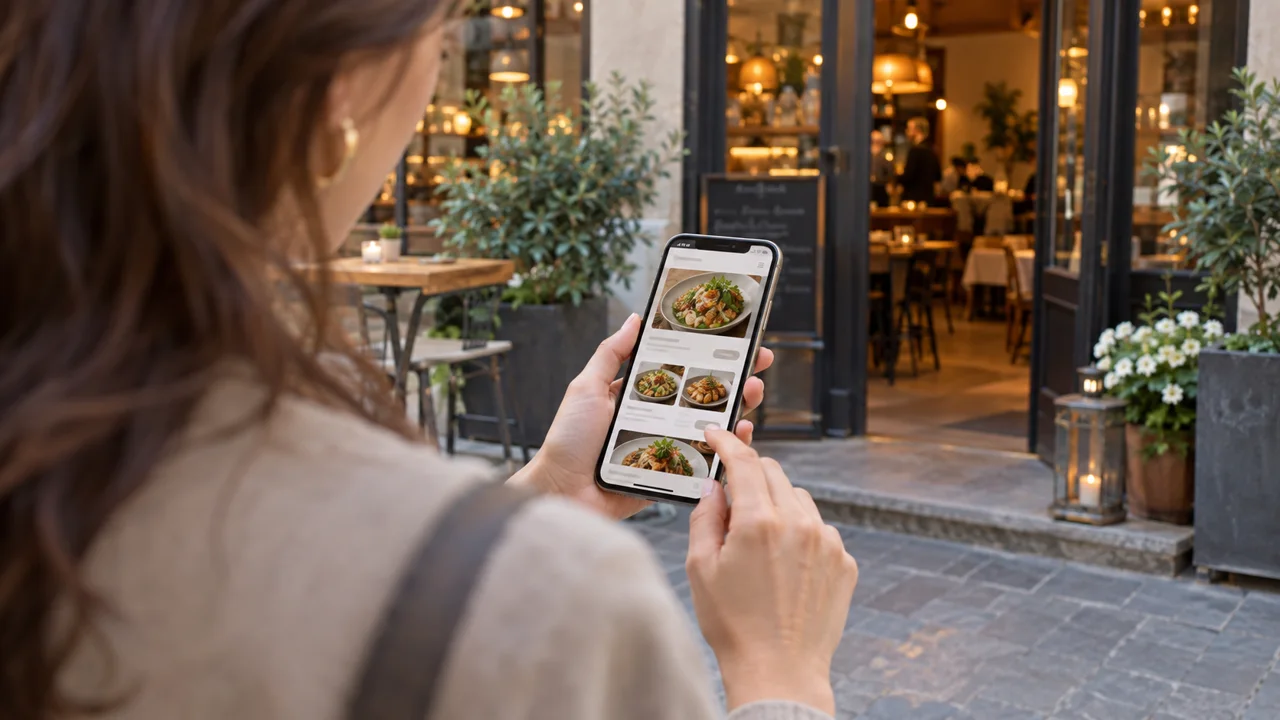
Imagine a guest looking for dinner on their phone. They find your restaurant, like the photos and want to book. Then the menu is unreadable, the hours are unclear and the booking button leads somewhere unexpected.
A useful restaurant website does more than look polished. It answers the questions that stand between interest and an actual visit, then makes the next step clear.
Discovery is only the first part of the job
SevenRooms' 2025 Australian research found that 95% of consumers used online resources to discover restaurants, with 34% identifying Google as a discovery route. The consumer survey involved 1,000 respondents. Those figures describe discovery habits, not the conversion rate of a restaurant website.
Treat your site as the next part of that journey: someone has shown interest, and now needs enough information to decide.
Run a one-minute mobile test
Ask someone unfamiliar with the site to open it on their phone and find the current menu, today's hours, the address and the appropriate booking or ordering action. Set one minute as a practical test constraint, not a research-backed benchmark.
Watch without explaining. Where do they hesitate? Do they recognise which location they are viewing? Does “Get started” mean make a booking, join a mailing list or download an app?
Write down the obstacles. Fix the most consequential one before adding another animation or homepage section.
Show the menu people can actually buy
Keep dishes, prices and service availability consistent with your current operation. A photo of an old menu might look authentic while still giving guests the wrong information.
As a design recommendation, provide a readable text menu where possible, with a downloadable version as an additional option. Make it usable without pinching and zooming. Give dietary information only where your kitchen has verified it, and provide a route for questions rather than making unsupported safety assurances.
If you have different menus for lunch and dinner, label the hours. If takeaway availability differs from dine-in, explain that before the customer starts an order.
Make the next action specific
Use labels such as “Book a table”, “View the menu” or “Order for collection”. Match the label to the destination.
For multiple locations, preserve the chosen venue as the guest moves into the booking or order flow. Check what happens when there are no available tables, the kitchen is closed or an item has sold out.
A useful closed-state message tells people what they can do next. It should not accept a request that the team cannot fulfil or send them into a dead end with no explanation.
Do not force someone through an app installation solely to read basic information. Consider where the web journey can finish the task and where an app offers a genuine additional benefit for repeat guests.
Keep search information aligned
Google's Business Profile guidance recommends complete, accurate business information and current hours. Compare the profile with the website, especially after a holiday schedule, phone number or address changes.
This is an accuracy check, not a promise of a particular ranking. Clear information should help people understand your business even when they arrive from somewhere other than Google.
Use a page title that identifies the real restaurant and location. Do not fill it with neighbourhoods you do not serve or claims such as “number one” without evidence.
Measure the completed task
Count completed booking requests or orders separately from button clicks. A visitor who clicks “Book” and leaves before confirmation has not made a booking.
Inspect existing analytics before adding more tracking. Keep customer names, email addresses and payment details out of analytics URLs and event labels. A staff training session or test order should not inflate the real result.
Try this next: follow the full journey as a new guest on mobile, including a closed or unavailable scenario. Improve the biggest obstacle, then compare completion behaviour over a meaningful period.
A checklist to take around your website
- Can a new guest identify the venue and location?
- Is today’s menu readable without zooming?
- Do hours and prices match the actual service?
- Does the main button lead to the expected task?
- Is the confirmation clear?
- Is there a useful next step when ordering or booking is unavailable?
Build your own branded customer journey
Explore BizAppMaker’s features when reviewing a website and app for your restaurant. Alongside ordering, BizAppMaker’s restaurant and cafe apps can take table bookings: guests choose a date, time and party size and can add a note, and you set how many bookings you accept at each time, with a different limit for busier periods. The app does not assign specific tables, so keep table allocation in your own floor plan. Confirm the exact ordering and booking journey you need before you launch.
See what a branded app looks like for restaurants, or try the live app demo.